Hull Rupture Hull Construction: Placement Rules and Empty Slots
Separate launch module-slot rules from permanent hull placement: paused flight, rotation limits, paid skips and routes to the Airlock.
Which building rule changed at release?
A completed adjacent module is no longer required to build in an empty module slot. Konfa Games explicitly removed that demo rule for the full release. If you are following an old tutorial, stop using neighboring completion as your explanation for an unavailable placement.
First distinguish the object you are placing: a hull block expands the ship’s frame; a module occupies space inside it. The permanent block rules below do not mean every module fits every opening.
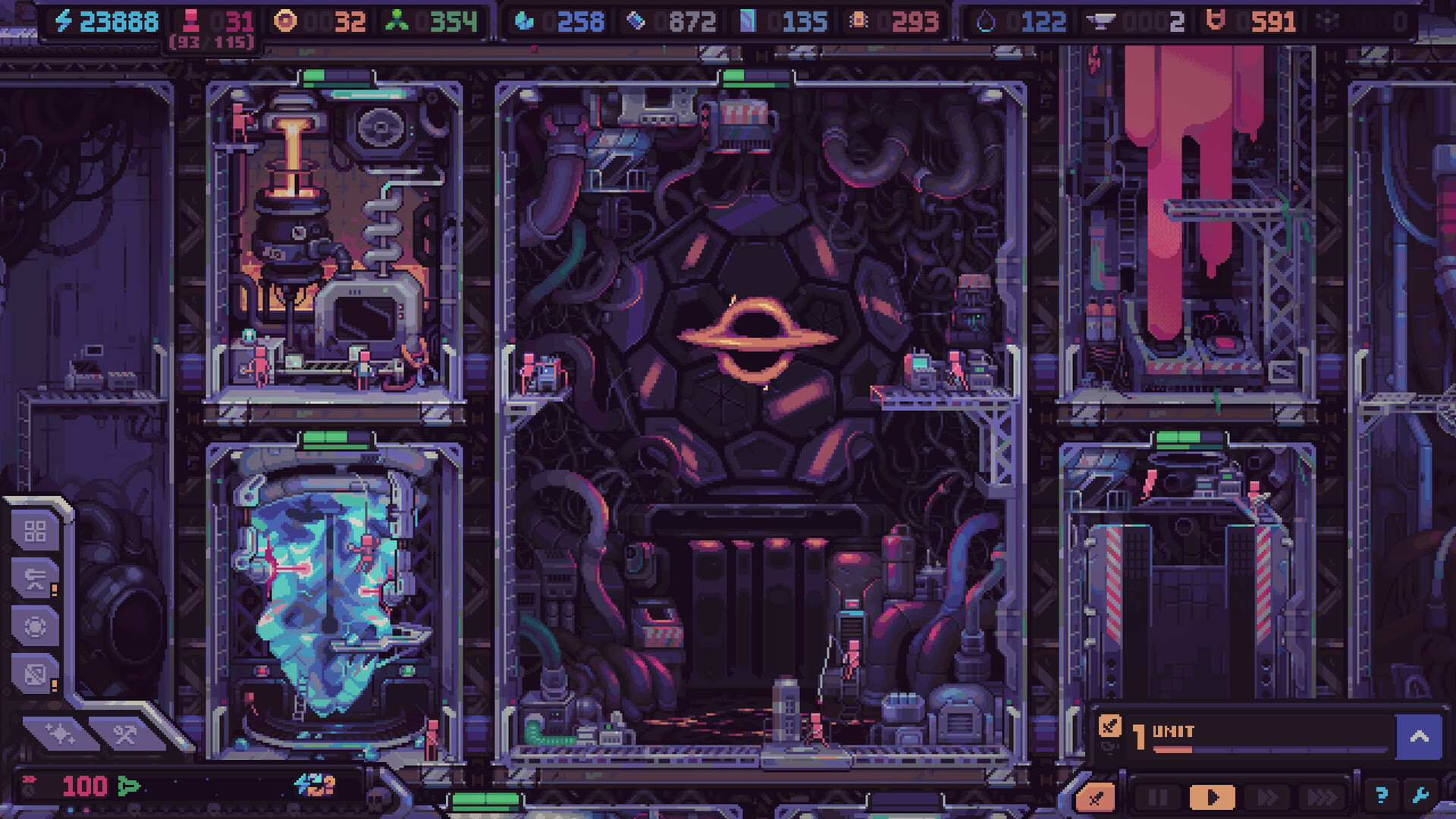
Official store illustration, © Konfa Games / tinyBuild; not our gameplay capture or proof of a particular full-release rule.
What should you check before placing a hull block?
The October 22 construction breakdown documents a mode that automatically pauses flight while you choose a location for a randomly offered block. It describes 15 construction blocks in a randomized cycle, with no repeat until that set has been used.
Check these constraints before committing:
| Check | Why it matters |
|---|---|
| Orientation | Offered blocks cannot be rotated |
| Airlock and engine | New construction must not obstruct them |
| Available interior space | The shape must suit the module kits you intend to use |
| Enemy approaches | An extension changes the route toward the Airlock |
| Commitment | Placed hull blocks cannot be destroyed |
| Resources | Building and skipping both have a cost |
The September explanation says construction initially uses Energy and later Plasteel. Read the displayed cost for your current offer; no fixed price schedule is established here.
This is a decision checklist based on the developer’s construction documentation, not an interactive blueprint solver. The November launch FAQ overrides the old adjacency rule in those earlier explanations.
Can you make a corridor outside the ship?
The developer describes attaching a block to a side of the hull or placing it a short distance away on stilts. The offset creates a corridor that aliens can traverse. That corridor changes your firing opportunities, rather than simply adding production space.
Before choosing it, compare two outcomes:
- A compact shape keeps more modules together for adjacency effects and reduces crew travel.
- A longer shape can stretch the invaders’ approach and create different firing positions.
Neither is automatically best. Match the shape to your available equipment and economy. The turret and alien-route guide explains the range and lane trade-off; crew allocation covers why travel and available workers also matter.
What if a module still will not fit?
Check the actual module footprint, whether the target space is empty, and the kit and resources shown by your installed game. The release’s any-empty-slot rule removes adjacency gating; it does not promise that all equipment fits all spaces or costs nothing.
If the UI rejects a placement that appears valid, record the module, hull shape, visible cost and rejection message. Include a screenshot in the official discussion area. Do not demolish unrelated modules on the assumption that an old demo rule is still active.
Returning players can use the demo return checklist to separate this change from artifact resets and mode progression.
Which sources support the construction checklist?
- October 22 Hull Construction deep dive.
- September 14 detailed construction and paid-skip explanation.
- November 2 full-release override: any empty module slot.
Checked November 5, 2026. Exact block dimensions, current costs and a guaranteed optimal layout are not verified.
Related Articles
guides
Hull Rupture Achievements: Check Mode and Difficulty Before a Run
Plan around the 64 official achievement conditions, separate stock and rate targets, and avoid Easy-mode or cross-difficulty assumptions.
guides
Hull Rupture Defense: Match Turrets to Alien Routes
Plan hull approaches, range and debuffs before the Airlock becomes the last defense, with clear limits on untested builds and old demo advice.
guides
Hull Rupture Galaxy Routes: Choose Speed, Resources or Events
Compare engine investment with immediate ship needs, understand modifier sources and avoid treating unknown events as guaranteed rewards.
Was this helpful?
Thanks for the feedback!